
Call Us 844-571-8171


By the Impact USA technical team
On a wide-format printer, sublimation ink isn't a small purchase you can experiment with casually. A wrong match can cost you a flush, a new color profile and hours of downtime. This buying guide covers what to check before you order sublimation ink for a Mimaki, Mutoh, Roland, Epson SureColor or other wide-format printer: printhead compatibility, OEM versus drop-in inks, color sets, how much to keep on hand, and how to switch inks safely. If you're also choosing paper, our sublimation ink and paper guide covers tack versus non-tack paper and GSM.


Sublimation inks are formulated for a specific type of printhead. The ink's viscosity and surface tension have to suit the head, or you'll fight missing nozzles and poor jetting. Most wide-format sublimation printers use Epson-type heads such as the DX4, DX5, DX7 or Epson I3200 printheads. Check your printer's head type before anything else.
If your printer uses an industrial head from another maker, ask us before you order. Ink that isn't made for your head is not worth the risk.
OEM ink is made by or for your printer's manufacturer. A drop-in replacement is designed to replace a specific ink without changing your setup much. Radiant, for example, is listed as a drop-in replacement for Kiian Digistar Hi-Pro.
Before you switch from OEM ink, think about:
Most production sublimation runs on CMYK. Some printers and RIPs support extra channels. Radiant is sold in cyan, magenta, yellow and black plus Flo Pink and Flo Yellow, which give brighter fluorescent tones on sportswear and safety gear. Only add fluorescent colors if your printer has free channels and your RIP can drive them.
Wide-format printers take ink in different ways: bulk bottles poured into tanks, bags, or cartridges. Our Radiant inks come in 1-liter sizes, and Mutoh DH21 comes in 1,000 ml bags. Match the format to your printer's ink system before you order, and confirm your bulk system's fill procedure if you're pouring into tanks.
Running out of one color can stop a whole printer. A few practical habits help:
Never top off one sublimation ink with another. Even inks that look identical can react and clog filters, dampers and nozzles. If you're changing brands:
If you aren't comfortable doing a changeover yourself, we offer paid installation and training services. Call us to ask what's available for your printer.
Buying a new printer at the same time? Read our sublimation printer buyer's guide or browse our sublimation printers.
Store-written FAQs from the Inkjet Parts team, not customer submissions.
Not sure which ink fits your printer? Call our technical team at 844-571-8171 with your printer model and head type. Orders placed before 3:45 PM PT ship the same day from Ontario, California.
Impact Prime DTF Ink 1 kg, CMYK & White, for Epson Printhead Systems. For direct-to-film (DTF) printing. Key Features Experience Unmatched Co...
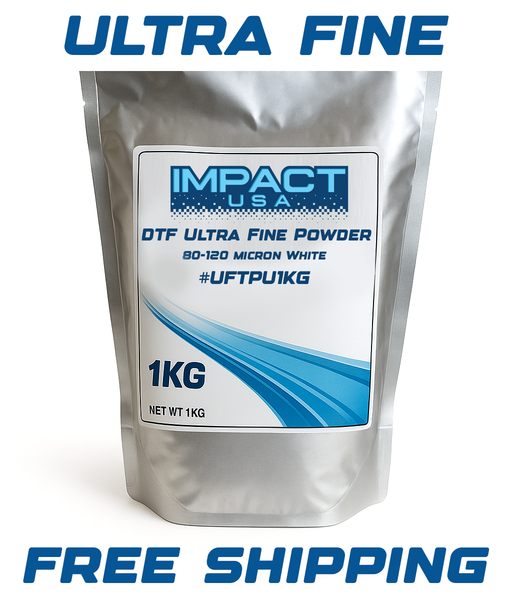
View full detailsImpact Ultra-Fine TPU DTF Adhesive Powder 80-120 Micron, 1 kg. For direct-to-film (DTF) printing. Key Features Introducing our 1kg Ultra Fine DTF...
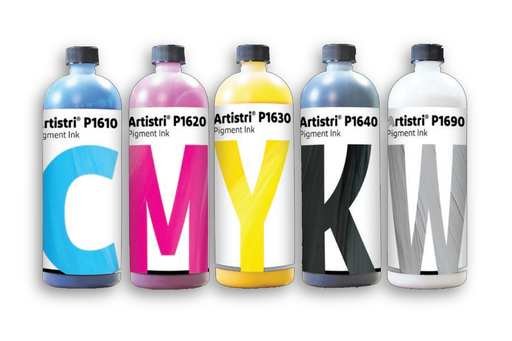
View full detailsDuPont Artistri P1600 DTF Ink 1 L, CMYK & White. For direct-to-film (DTF) printing. Key Features Experience the pinnacle of Direct-to-Film (D...
View full detailsImpact Instant-Peel DTF Transfer Film 24 in x 328 ft, Double-Sided. For direct-to-film (DTF) printing. Key Features Our INSTANT peel DTF transfer...
View full details



Leave a comment