
Call Us 844-571-8171


A sublimation printer is a long-term production decision. The right machine keeps orders moving for years. The wrong one leaves you short on width, stuck on speed, or printing jobs that really belong on a different process. This guide walks through what to check before you buy a sublimation printer: fabric and product fit, print width, printhead count and real-world speed, ink and transfer paper, the rest of the workflow, and when a DTF printer is the better buy. Every spec quoted here comes from our live product listings.

Sublimation turns ink into a gas with heat and bonds it into polyester fibers or polymer-coated surfaces. That is why sublimated prints feel like part of the fabric, with no film or hand on top, and why they hold up so well on sportswear, soft signage, flags and other textile work.
The same chemistry sets the limits:
If most of your orders are polyester apparel, all-over prints, banners or soft signage, sublimation is a strong fit. If customers want cotton tees, dark garments or mixed fabrics, read the DTF section below before you buy.
Width decides what you can print in one pass across the machine, and which paper rolls you buy. The printers in our sublimation printers collection fall into three groups:
Size for the work you have now and the work you are quoting next year. Also measure the floor space and the doors before you choose. The FD1900 machine footprint is listed at 2895 × 840 × 1490 mm, and the FD5193E and FD5194E at 3180 mm long.
On the Fedar sublimation line, speed scales with the number of Epson i3200-A1 printheads. More heads means more output per pass, but only compare speeds at the same pass count. Fewer passes print faster, and more passes give finer quality. These are the listed speeds:
| Printer | i3200 heads | Width | 2-pass speed | Ink supply |
|---|---|---|---|---|
| FD1900 | 2 | 1900 mm | 105 m²/h | 3 L bulk |
| FD5193E | 3 | 1900 mm | 162 m²/h | 4 L bulk |
| FD5194E | 4 | 1900 mm | 180 m²/h | 4 L bulk |
| FD5198E | 8 | 1900 mm | 185 m²/h (370 m²/h 1-pass) | 4 L bulk |
| FD5328E | 8 | 3200 mm | 210 m²/h (420 m²/h 1-pass) | 5 L bulk |
Higher-quality modes are slower. The FD1900, for example, is listed at 55 m²/h in 4-pass and 35 m²/h in 6-pass, and the FD5193E at 82 m²/h in 4-pass and 45 m²/h in 6-pass. Estimate your weekly square footage, then pick the machine that covers it in the pass mode your customers expect, with room to grow.
Also check the color setup and media handling. The FD1900, FD5194E and FD5198E list CMYK or CMYK+4 configurations and the FD5193E lists CMYK or CMYK+2. Take-up capacity runs from 200 m on the FD1900 and FD5193E to 1500 m on the FD5198E, which matters if you plan to run long rolls unattended.
Ink and paper are your ongoing cost, so choose them with the printer. All of these Fedar models use Epson i3200 printheads, and the RJ-900X uses a DX-5 head.

Keep a bottle of sublimation cleaning solution on hand for maintenance. For a deeper look at tack vs non-tack and paper weight, see our sublimation ink and paper guide, or shop the sublimation ink and paper collection.
When you work out startup costs, list every piece the printer depends on:
Ask for a quote that lists each of these, so you can compare the full cost to get printing, not just the machine price.
Many shops that start shopping for a sublimation printer end up adding a DTF printer, because the two processes cover different jobs. DTF prints CMYK plus a white underbase onto 75 micron film, then a powder shaker applies and cures adhesive powder. The finished transfer presses onto cotton, polyester, blends and dark garments.

A quick rule of thumb:
If DTF is part of the plan, our Fedar production lineup covers most shop sizes:
Browse every model in our DTF printers collection, or shop by size: 24 inch DTF printers, 13 inch DTF printers and DTF powder shakers. For supplies, see DTF film, DTF ink and DTF powder. Production shops can compare the FD70-4, FD70-6 and FD1808 side by side on our Fedar production DTF printers page.
The Fedar FD70-4, FD70-6 and FD1808 DTF printers, including the 9-color models, qualify for 6 months deferred payments on approved credit through our finance partner. Terms are set at approval. For a sublimation printer, ask about financing options when you request your quote.
Not sure which sublimation printer, or which mix of sublimation and DTF, fits your shop? Call 844-571-8171 and tell us what you print, which fabrics you use and how much you run each week. We will help you match the printer, ink and paper, and send a quote with freight or free pickup in Ontario, CA, plus optional installation and training. You can also request a production quote online.
Impact Prime DTF Ink 1 kg, CMYK & White, for Epson Printhead Systems. For direct-to-film (DTF) printing. Key Features Experience Unmatched Co...
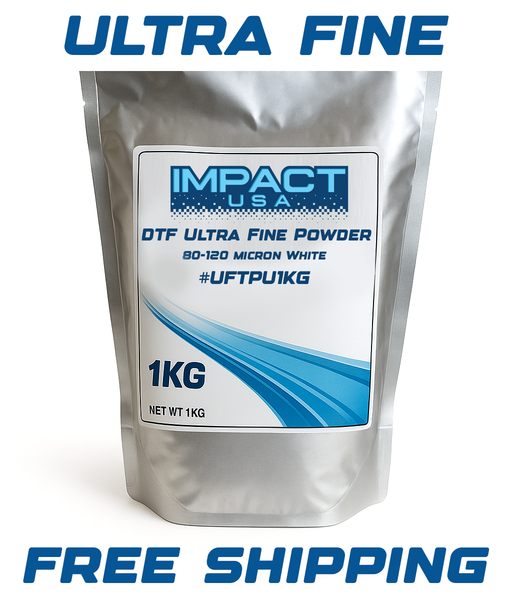
View full detailsImpact Ultra-Fine TPU DTF Adhesive Powder 80-120 Micron, 1 kg. For direct-to-film (DTF) printing. Key Features Introducing our 1kg Ultra Fine DTF...
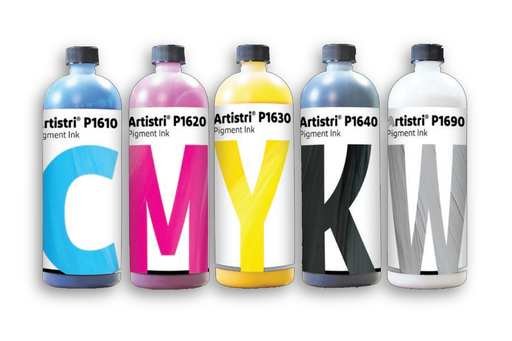
View full detailsDuPont Artistri P1600 DTF Ink 1 L, CMYK & White. For direct-to-film (DTF) printing. Key Features Experience the pinnacle of Direct-to-Film (D...
View full detailsImpact Instant-Peel DTF Transfer Film 24 in x 328 ft, Double-Sided. For direct-to-film (DTF) printing. Key Features Our INSTANT peel DTF transfer...
View full details



Leave a comment