Call Us 844-571-8171

By the Impact USA technical team · Reviewed 2026-11-08
Impact USA, founded in 2016; team with 25 years of technical experience.
Quick answer: Replace a DTF printhead only after you rule out the cheaper causes. Missing nozzles and banding are often caused by worn dampers, a clogged cap top, a blocked white ink filter or misalignment. If those check out and nozzles still won't recover, our OEM Epson i3200-A1 printhead is a direct replacement that works with all DTF printers.
| Part | What it does | Common warning signs | Listed details |
|---|---|---|---|
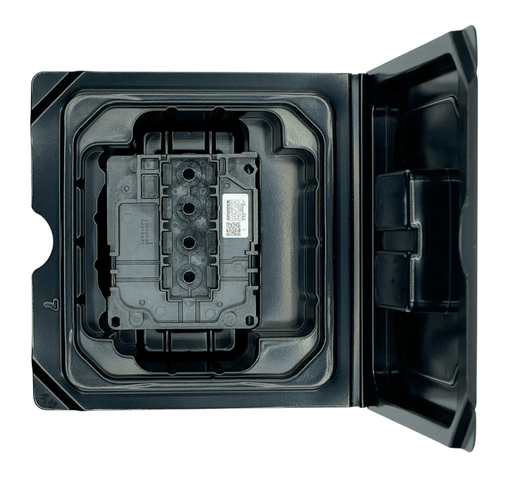
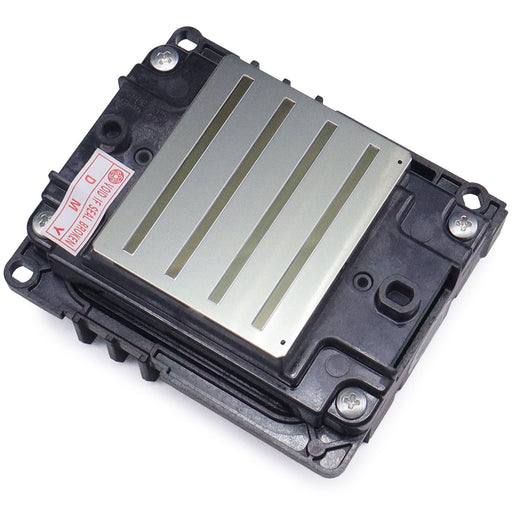
| Epson i3200-A1 DTF Printhead (OEM) | Fires the ink | Nozzles that won't recover after maintenance | OEM, 1.33 in MEMS head, 600 dpi, water-based ink; no warranty |
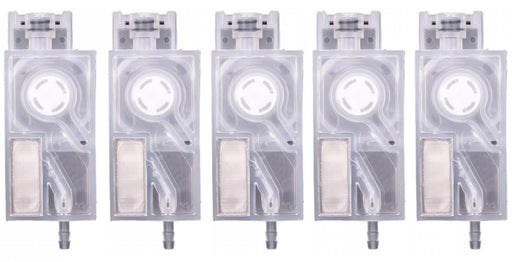
| i3200 DTF Ink Dampers, 5-pack | Regulate pressure, filter particles, block air | Air bubbles, starved channels, banding | Set of 5 covers CMYK + White |
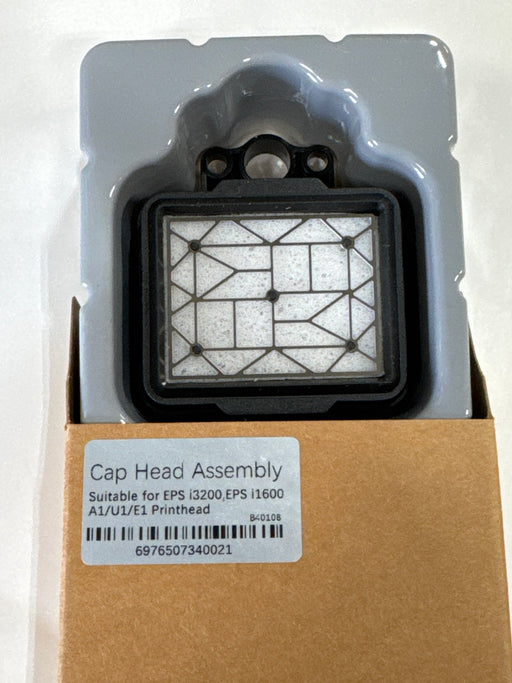
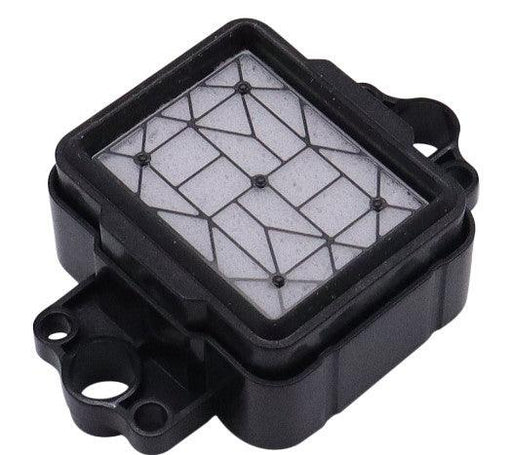
| Epson i3200-A1 Cap Top | Seals the head and pulls ink during cleaning | Weak cleaning, crusted ink, dried nozzles | Listed for i3200 DTF machines such as Mongoose II, Black Widow, Omni DTF |
| DTF White Ink Filter 5 Micron | Removes particles from white ink | Faint white, white nozzles clogging first | 5 micron, one-way flow, 4 mm/6 mm fittings |
| DTF Technical Support, 1 Hour Remote | Diagnosis by a technician | Unsure which part has failed | 1 hour remote session |
A printhead is the most expensive consumable in a direct-to-film printer, and printheads are not covered by warranty. Many "dead head" symptoms come from parts around the head. Working through the checklist below costs less and often brings the printer back without a new head.
Every printhead we sell is OEM. The Epson i3200-A1 is a 1.33-inch-wide MEMS head with 600 dpi resolution, made for water-based inks. It is a direct replacement and works with all DTF printers. It is always in stock, and overnight shipping is available.
Our team has 25 years of technical experience. Book a one-hour remote support session and a technician can walk through nozzle checks, alignments and part diagnosis with you before you buy a head.
Keeping ink flowing also depends on clean supplies. See our DTF film guide for film choices.
Store-written FAQs from the Inkjet Parts team, not customer submissions.
Not sure which to order? Call our technical team at 844-571-8171 before you buy. Supplies can be returned within 30 days; a 30% restocking fee applies to boards, and printheads are not covered by warranty.
Epson i3200 DTF Damper Set – 5-PackThis 5-pack of ink dampers is designed for the Epson i3200-A1 printhead used in most modern DTF printers. Damper...
View full detailsOEM Epson i3200-A1 — all printheads we sell are OEM Direct replacement that works with all DTF printers using the Epson i3200-A1 head Shi...
View full detailsFD70A DTF White Ink Filter (5 Micron) is a specialized filter for Direct-to-Film (DTF) printers that removes impurities from white ink, preventing ...
View full detailsEpson i3200 cap top for direct to film printers. Over time the DTF inks can build up and clog the cap tops and we recommend changing on a routine m...
View full details